


Here's how easy it is to make a cartoony hand with metanurbs and my QuadSew plugin.
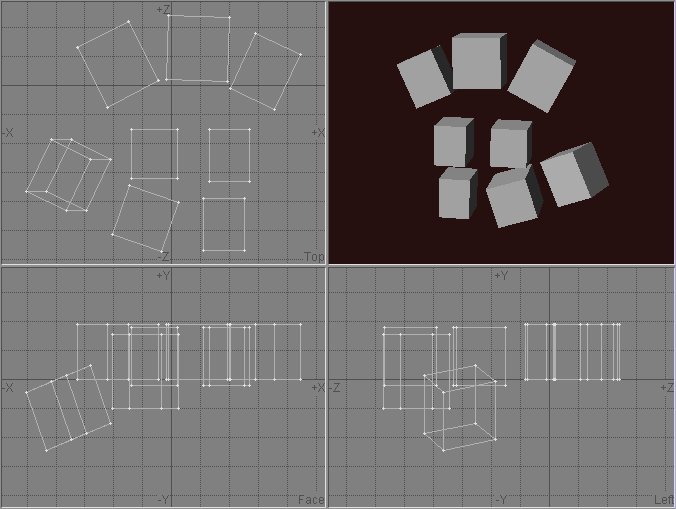
Step 1 - Make some boxes in the rough shape of a hand. I've put boxes in the meatiest places, and I've made sure there's enough vertices in the palm to attach the fingers to.
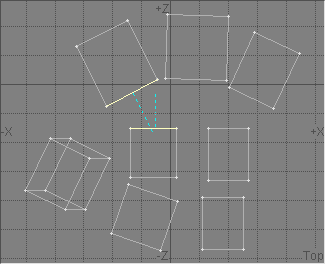
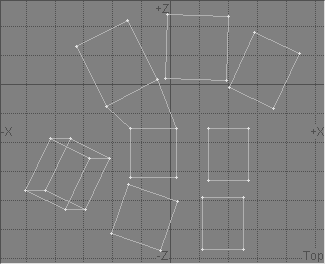
Step 2 - Select two facing quads and QuadSew them. See what happened?
The two boxes are now sewn together with four quads, and the two that were selected have been deleted.
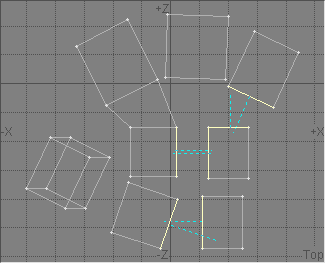
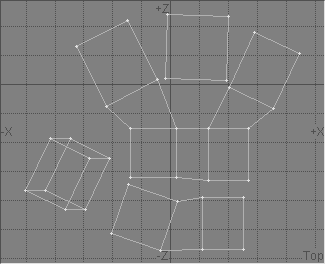
Step 3 - Now here's the coolest part. Select several pairs of facing quads and run QuadSew.
Gosh, this is useful. Don't worry if they don't quite line up. QuadSew is very smart.
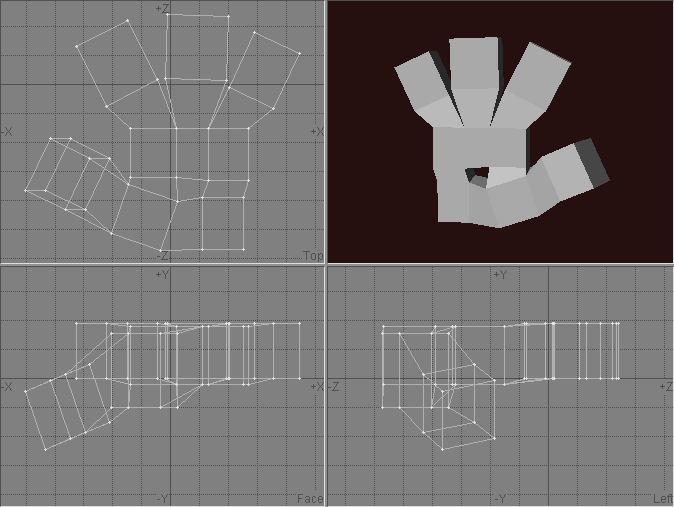
Step 4 - Now that you have an idea of how QuadSew works, QuadSew a bunch more boxes.
Do them all except the ones in the middle. How can we use QuadSew to fill a hole like that?
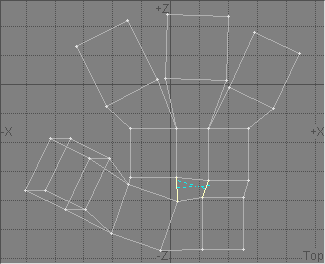
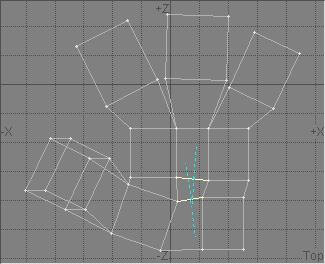
Step 5 - Easy. Select two of the facing quads and QuadSew them. Then, select the other two facing quads and Delete them.
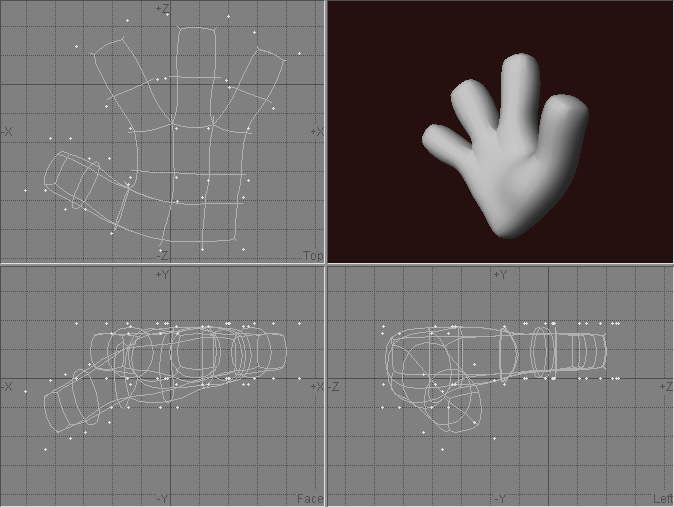
Step 6 - Hit Tab to see what it looks like so far. Not bad. Hit Tab again to get back to polys.
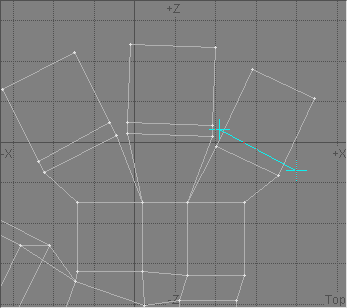
Step 7 - Let's add some detail to the fingertips. Knife up the fingers.
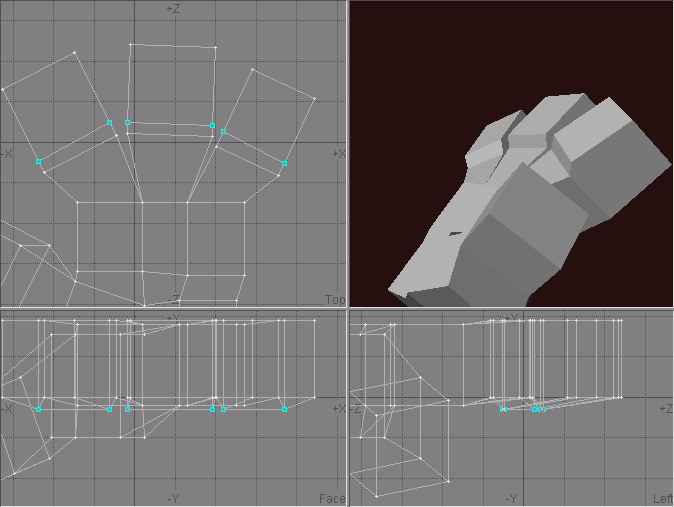
Step 8 - Now move the new points out a little.
This will make the puffy part of the fingertips a little more pronounced.
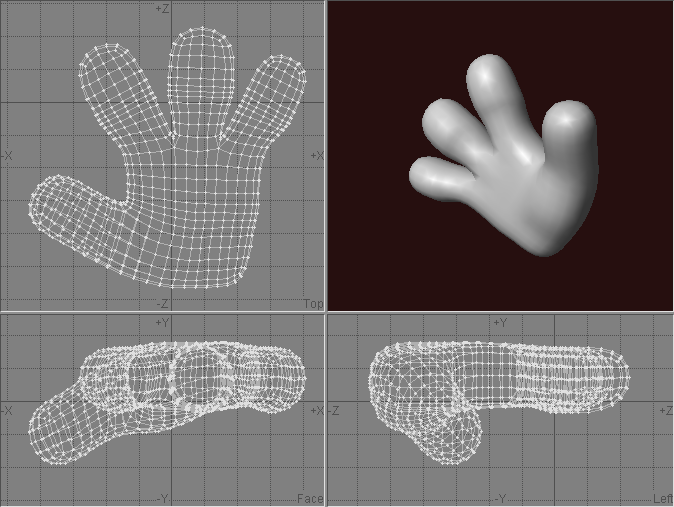
Step 9 - Now Metaform that sucker a few times. Don't forget to save the original metanurb object so you can make morph targets later!
I like to use Metaform for the final object because sometimes you can see a hint of "seams" when you Freeze metanurbs. Sometimes you want a little hint of seams, but I want this hand to be as organic as possible.
Now go download QuadSew and try it yourself!
