This tutorial shows how to disable a text layer's style leaving its outline.
1. Start off by creating some text in a new document. Choose a thick or bold font, because thin fonts will be hard to read once you have gone through this short tutorial.
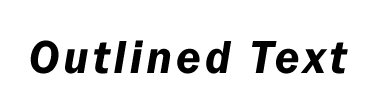
2. Right-click on the text layer and select Blending Options. Turn the opacity down to 0%. This will make the text layer invisible.
3. In the same Blending Options window, select Stroke from the list on the left side of the window. Set the size to about 2 or 3 pixels. Next select the Fill Type. I'm going to use a color, but you may want to fill the outline with a gradient or pattern for a different effect. If you chose Color, click on the current color to select a color. If you are using a gradient, click on the current gradient to bring up the Gradient Editor.