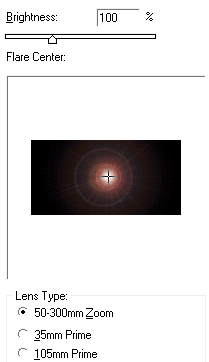
1. Create a new 400px x 400px image with a black background. Go to Filter > Render > Lens Flare.
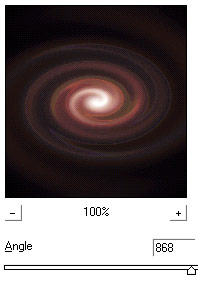
2. Next go to Filter > Distort > Twirl.
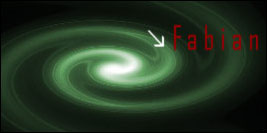
3. Optional: Change the color by pressing Ctrl+U on your keyboard. Add some text and your done!
Her

 Level: Beginner Software:
Photoshop
Level: Beginner Software:
Photoshop 1. Create a new 400px x 400px image with a black background. Go to Filter > Render > Lens Flare.
2. Next go to Filter > Distort > Twirl.
3. Optional: Change the color by pressing Ctrl+U on your keyboard. Add some text and your done!
