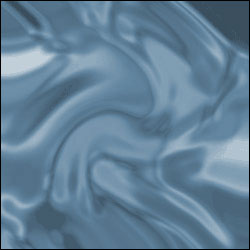
1. Start out with a new 250x250 image. Choose a white background. Create a new layer and press D on your keyboard to reset the colors.
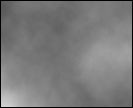 2. Go to Filter > Render > Clouds
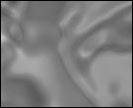 3. Now go to Filter > Sketch > Chrome. Detail: 5, Smoothness: 7
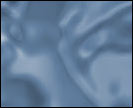 4. Next go to Image > Adjustments > Hue/Saturation. Change the settings
until your image looks like water. (Make sure you select Colorize.)
4. Next go to Image > Adjustments > Hue/Saturation. Change the settings
until your image looks like water. (Make sure you select Colorize.)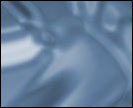 Optional
5. Go to Filter > Distort > Wave. Use these settings.
Optional 6. Finally, go to Filter > Distort > Twirl. Angle: 75 degrees