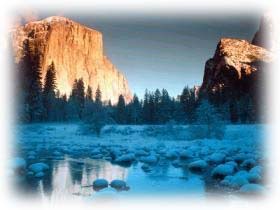
1. Find any image you'd like to use. Make sure your image is NOT in the background layer. Make sure your background is set to the color you'd like the image to blend into(ex. background color of your webpage).
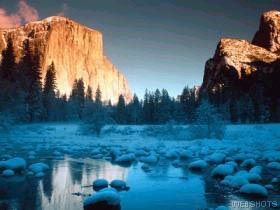
2. Select the Rectangular Marquee tool. Create a square in the photo. Let enough room free for the blur.
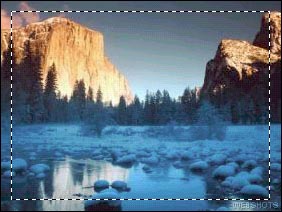
3. Go to Select > Feather and use a setting of 9 pixels. Then click on OK.
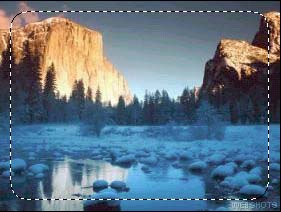
4. Press ctrl+shift+I. Now hit the delete key on your keyboard after you select you background color in your color palette. Your done:)