Okay start off by making a new document, I used 200x200 for the Size.
And then fill in the background color with Black.
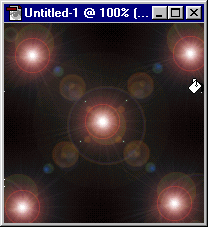
1. Goto Filter > render > Lens flare, and put the lens flare in the top left corner. Then repeat that
By putting a lens flare in each corner, and then put one in the middle. like the picture below.
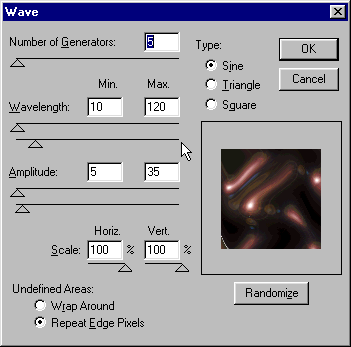
2. Now goto Filter > distort > wave and use the settings below.
3. And now goto Filter > Distort > Polar coordinates Set it to Polar to Retangular
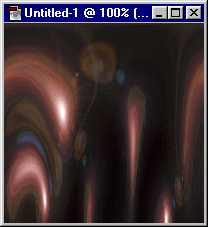
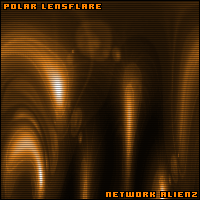
Now add some color 'CTRL + U' And heres my finaly Image below.