

In this simple tutorial you will learn how to easily create your own brushes so that you have brushes with the shapes you need.
First of all create the shape or the design you want for your brush, I chose this shape:

Then select the layer with your brush:
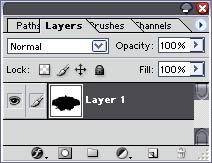
Select the area you want to use as a brush or hit CTRL+A to use the whole page then click Edit -> Define Brush.
Name your brush and hit OK.
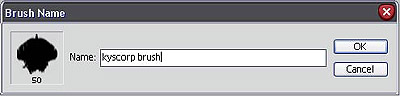
That's all you're done ;)
