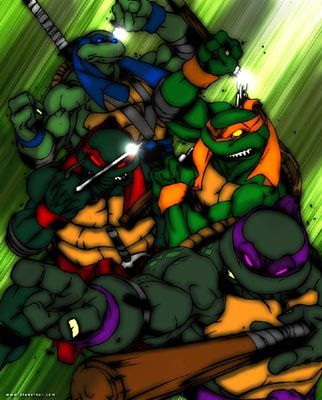
Here you will be taught how to make an anime-style action background.
1. Open a new file, around 400 x 300 pixels.
2. Now set your forground color to white and background color to black.
3. Go to FILTER > RENDER > CLOUDS
4. Go to FILTER > RENDER > DIFFERENCE CLOUDS.
5. Go to IMAGE > ADJUST > INVERT
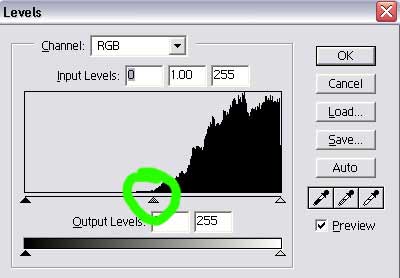
6. Go to IMAGE > ADJUST > LEVELS
7. Move the middle arrow all the way to the right.
8. Now go to FILTER > BLUR > MOTION BLUR. Set it to 999. Do this twice.
To add color go to IMAGE > ADJUST > COLOR BALANCE
Heres what I have so far.
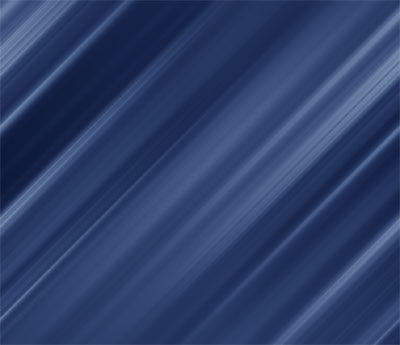
8. Now duplicate the layer. And set it to color dodge.
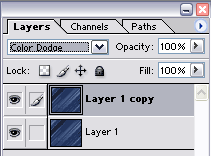
Heres what you should end up with

9. Now just add a pic of something and your set. Heres something I made a while ago.