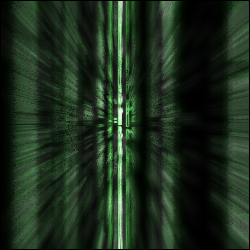
Here we will make the Matrix code. Step-by-step instructions proceed..
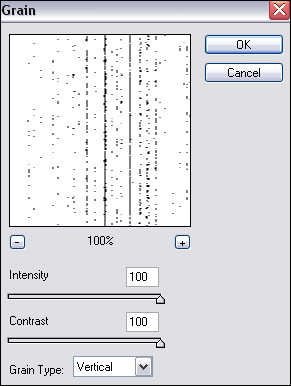
1. Let's open up a new image, 250x250...and let's immediately apply a Grain texture. So, go to Filter>Texture>Grain and apply these settings:
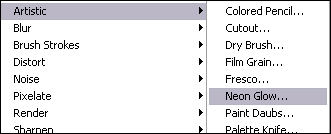
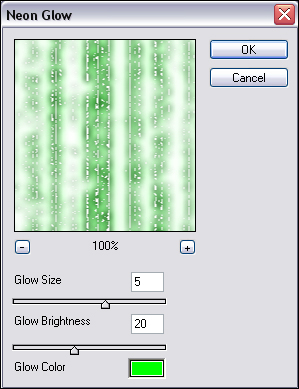
2. Next, we have to go to Filter>Artistic>Neon Glow...
...and apply these settings:
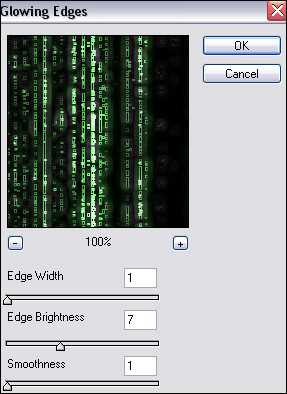
3. Next, go to Filter>Stylize>Glowing Edges and perform these settings:
4. You have now created a lesser-detailed Matrix code that looks liek the real thing nonetheless. Here's what yours should look like..

You can even do a radial blur and create the scene in the Matrix where there are walls of coding..