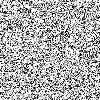
1. Make a new image 200 × 200 pixels in size. Goto filter > noise > add noise. Set the distribution to gaussian and tick the monochromatic option. Set the amount to 50% then run the filter.
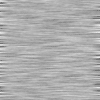
2. Now goto filter > blur > motion blur. Set the angle to 0 and the distance to 30.
3. You can then run the motion blur filter again witha distance of 200 to get a smoother finish.
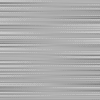
Finished. A simple texture but useful for backgrounds and buttons.