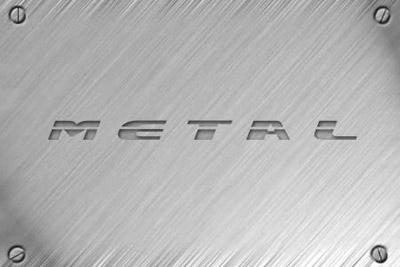
Here you will be taught how to make a metal Texture.
1. Open a new file, around 450 x 350 pixels and make it transparent.
2. Pick a gray/dark gray color and set it as the background color.
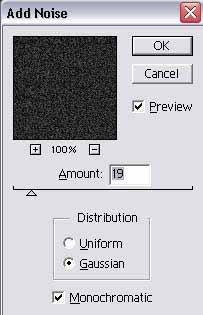
3. Go to filter > noise > add noise and use these settings.
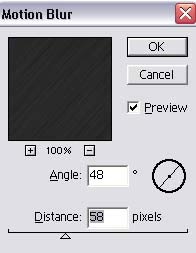
4. Go to filter > blur > motion blur and use these settings.
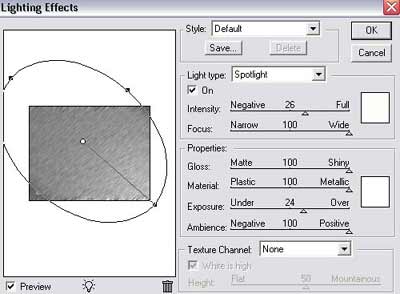
5. Now go to filter > render > lighting effects and use these settings
Heres my results
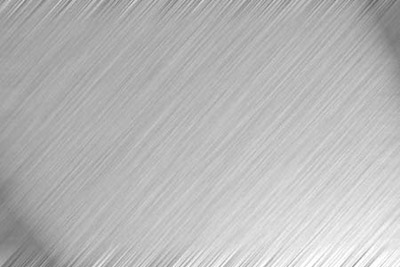
and with a little more work we get this.