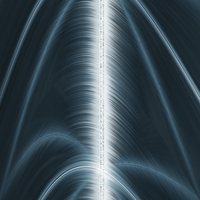
Open a new document which is 500x500 px. (the picturs right under, are smaller)
Go to:
Filter > Texture > Patchwork and use the standart settings
Filter > Stylize > Find Edges
Filter > Blur > Radial Blur and set it to Zoom and 100 px
Image > Adjustments > Hue/Sat (ctrl + u)
Hue: 200
Saturation: 25
Lightness: 0
Filter > Stylize > Find Edges
Image > Adjustments > Invert
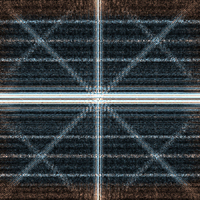
Now we have to choose a color with Hue/Sat (ctrl + u)
Hue: 200
Saturation: 25
Lightness: 0
Go to Filter > Blur > Radial Blur (zoom 100) and then hit Ctrl + F
Go to:
Image > Rotate Canvas > 90 CW
Filter > Stylize > Wind from right
Filter > Stylize > Wind and the from left
Image > Rotate Canvas > 90 CCW
Filter > Distort > Shear
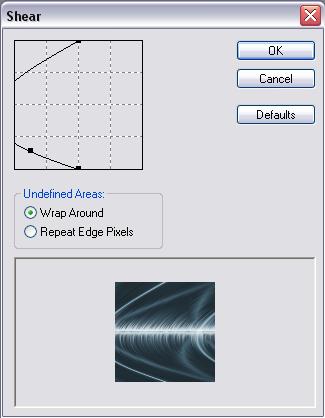
Image > Rotate Canvas > 90 CW
Finish