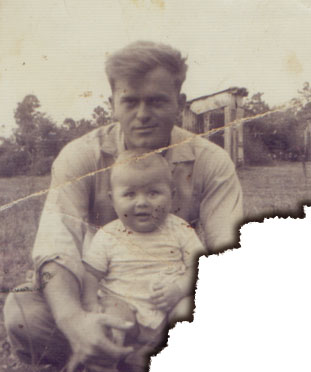
1. First off get an image. I chose a photo of my great grand father and my grandfather as my subject. Get the lasso tool and select an area of the image that you want "burned".
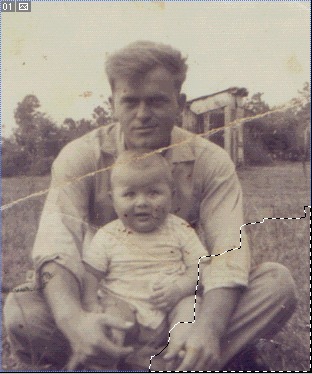
2. Click the box shown below to swith to Quick Mask Mode.
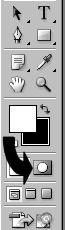
3. Now do: Filter > Pixelate > Crystalize..., and set it to 3. Then click the box next to the Quick Mask Mode to return to normal mode. Save the selection by doing: Select > Save Selection... Now fill the selection by: Edit > Fill, and fill it with whatever color you want. Then do: Select > Modify > Expand... Enter a number that suits your taste. Click Quick Mask Mode and do: Filter > Blur > Gaussian Blur... with setting of 3. Go back to standard mode.
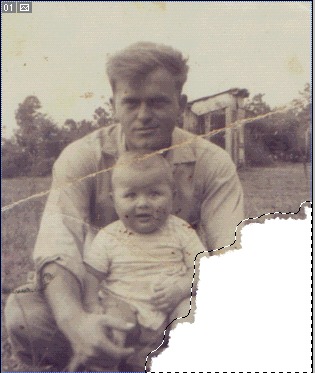
4. Do: Select > Load Selection... select your saved selection and check Subtract from Selection and press OK. Do: Image > Adjust > Hue/Saturation... and click the Colorize check box. Set it as follows: Hue: 14, Saturation: 31 and Lightness: -80 or so. Bing bang boom, you got burned edges with out the fire.