1. First, Make a new document, size of your choice.
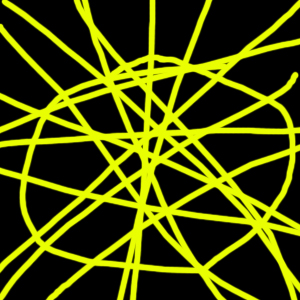
2. Make the background color black and used a medium sized brush to draw a similar pattern to what I have shown below.
2. Then go to Filters -> Noise -> Add Noise and use the default settings.
3. Then go to Filters -> Artistic -> Plastic Wrap and use the default settings.
4. Then go to Filters -> Sketch -> Chrome.
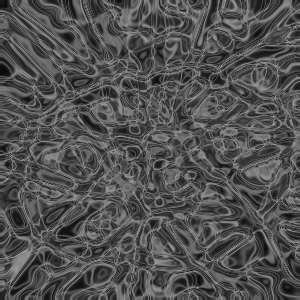
5. To colorize, go to Image -Adjustments -> Hue/Saturation, check colorize and adjust the settings.
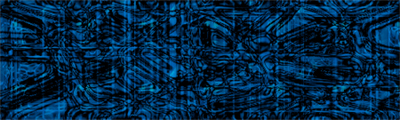
My final product is shown below.