|
Turn floral imagery into an enchanted garden state.
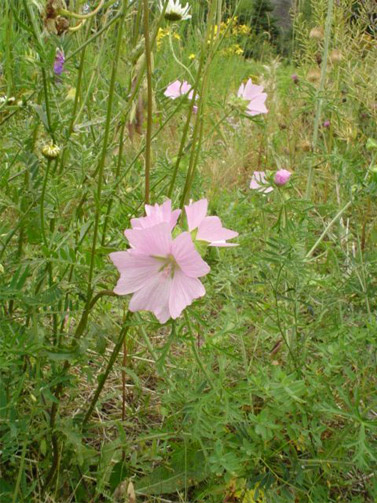
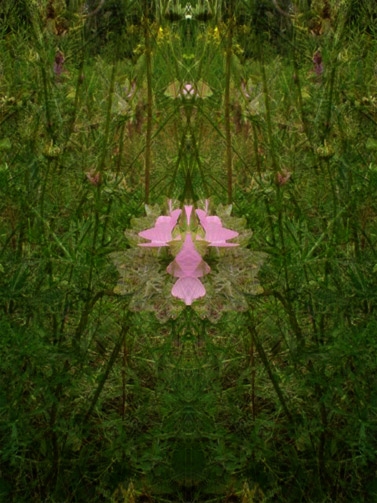
The photo I used is one I took of some flowers in my back yard.
Scaled version is below.
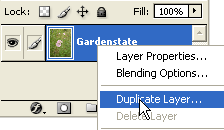
 First, duplicate the original 'Gardenstate' layer, by 'Right + Click' (Mac: Control + Click) & from the list choose 'Duplicate Layer'.
 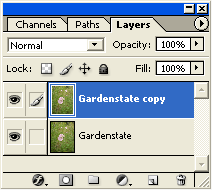 With the 'Gardenstate copy' layer active, go to 'Edit/Transform/Flip Horizontal' to reverse the directional flow of this layer.
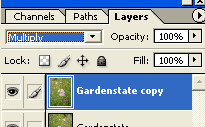
Next, still on the 'Gardenstate copy' layer, change its Blend Mode from Normal to Multiply.
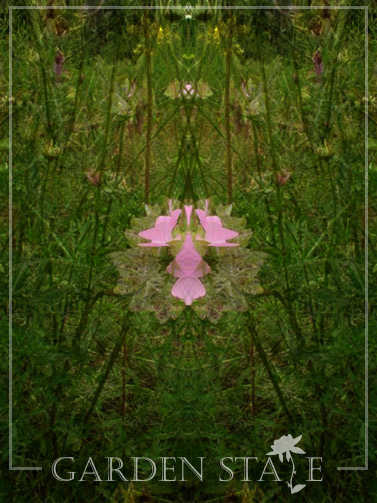
 The final result is below. Simply a few steps but the results are enchanting.
 In Summary:
1. Duplicate Image to a new layer above the original. A variation.
 |
Her
Garden State
Added:Dec 03, 2004 Rating:


 Level: Beginner Software:
Photoshop
Level: Beginner Software:
Photoshop
Level: Beginner Software:
Photoshop
