

Open a new document that is 6x6px and on a transparent background. And zoom in 1600%
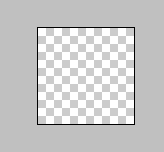
Grab your pencil tool, set it to 1 pixel, and draw a square like shown below
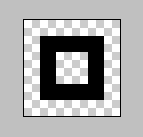
Now go to Edit>Define Pattern and name the pattern, Grid or something
(dont call it Pattern 6)
Now create a new document, thats 500x500, set the background to 00A2FF and go to Edit>Fill and make sure your setting are like mine:
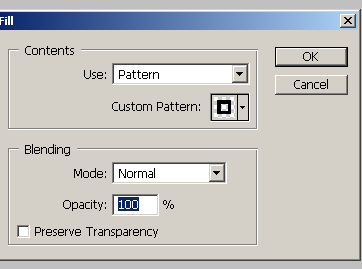
You can change the opacity, and blending mode, and make sure to select Pattern under the contents box in the image above!
And your ending result should look something like this:
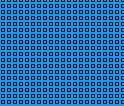
Now, you can play around with the opacities and get results like these:

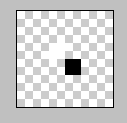
Now, you know the basics of creating patterns! Below is a table of patterns and the results when filled.
Pattern
Effect

