

1. Open Photoshop. Open Eagle.psd from samples folder.
Adobe > Photoshop 7.0 > Samples
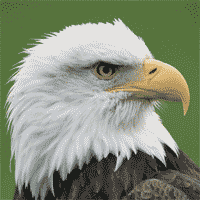
2. To make it gray ( black & white ), no need to change the mode and convert it into Grayscale.
3. Image > Adjustments > Desaturate
4. The image is converted into gray format.
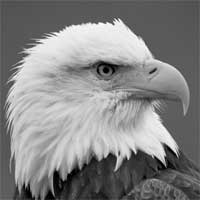
5. Using Zoom Tool, zoom the eye of the bird.
6. Using Elliptical Marquee Tool, select the eye.
7. Layer > New Adjustment Layer > Hue Saturation
8. Check Colorize. Hue 16 saturation 100
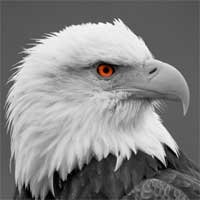
9. You will get the desired effect where the photograph is in black & white and the eye is red.
