1. Open Photoshop 7.0. Open desired image.

2. File > New . Open New File with greater size than image. Drag image on the canvas using Move Tool.
3. Open Layer Palette. Select Top Layer. Press Ctrl and click on the top layer to select an image.
4. Select > Modify > Contract ( by 4 pixels)
5. Select > Inverse
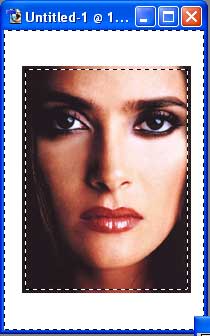
6. Filter > Brush Strokes
> Spatter
( Spray Radius 10 Smoothness 5 )