

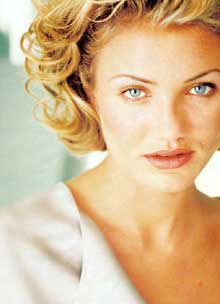
1. Open Photoshop. Open an image to make it old.
2. Layer > New Adjustment Layer > Hue /Saturation
3. Click OK to open Hue/Saturation window.
4. Check Colorize. Drag
the sliders to following values
Hue:36 Saturation:33 Lightness:-9
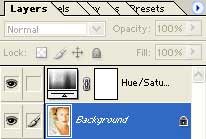
4. Select the image layer.
5. Filter > Noise > Add Noise
Uniform, Monocromatic, Amount:2
6. Filter > Sharpen > Sharpen More
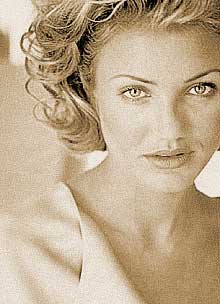
7. The image is converted into old look.
