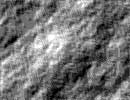
1. This effect is sometimes called Rocky Texture. Create new file with 72 PPI and white background.
2. Select light gray for foreground and dark gray (near to black) for background.
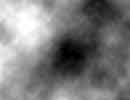
Filter > Render > Clouds

3. Image > Adjust > Auto Levels
4. Filter > Stylize > Emboss
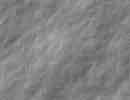
5. Image > Adjust > Auto Levels