Step 1
Select/Open a Image/picture that you want to change into Pencil/Sketch graphic. Now select all your image/picture in Select ->All (Ctrl+A) and copy your image/picture In Edit -> Copy (Ctrl+C). Create a new image. (Photoshop will auto generate the pixel Width and Height) click ok and paste the image/picture using shortcut key (Ctrl+V). Make sure the image/picture is above on a White background layer.

Step 2
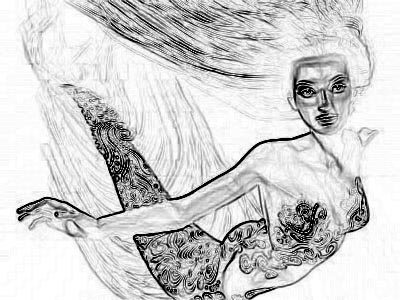
Convert the image into black and white. Go to Image -> Adjustments -> Desaturate. Apply Find Edges Filter. Go to Filter -> Stylize > Find Edges. You see your image/picture look like these.
Step 3
Lastly set the opacity of the layer 50%.
Result