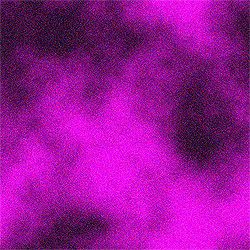
Open up a new image, any size. Pick two colours as your foreground and background. Go to filter>>render>>clouds. Now, go to image>>adjustments>>equalize. Then, add grain by going to filter>>texture>>grain. Set the intensity at 45, the contrast at 50, and the grain type at regular.
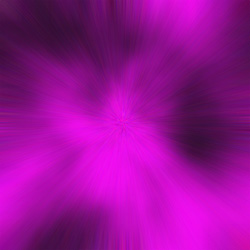
Go to filter>>blur>>radial blur. Set the amount at 90, the blur method at zoom, and the quality at best. Click OK.