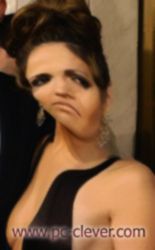
Step 1 : Save the image below, and then open it in photoshop.
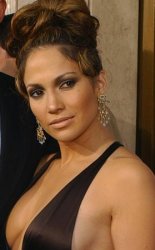
Step 2 : Now we are going to start the transformation of the diva ... go to Filter > Distort > Twirl and set the angle to 25.
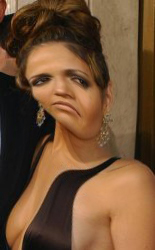
Step 3 : Now we will duplicate the layer by going to Layer > Duplicate layer - you can name the layer what you want.
Step 4 : We are now going to work on Jennifer Lopez' skin - so go to Filter > Brush strokes > Dark strokes, and have the following settings:
Balance : 5
Black Intensity : 6
White Intensity : 2
Below is the result!
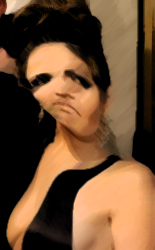
Step 5 : Now you can keep Lopez like this if you want, but to make the image more realistic you will have to change the opacity as shown below
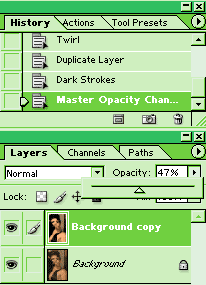
Final Image! - Jennifer Lopez should now look like something like the ugly picture below!