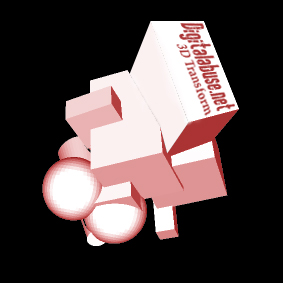
1. Create a new project (I used 10x10 cm). Color the background black.
2.
Now, make a
new layer (Shift+Ctrl+N). Then you go to Filter-->Reder-->3d
Transform...
3.
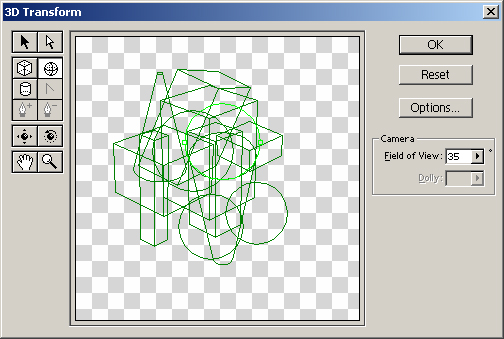
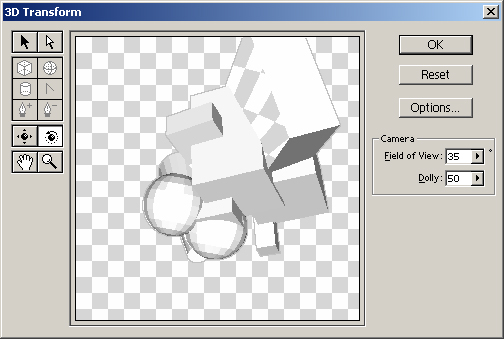
Make a random selection of forms. Now rotate the selection
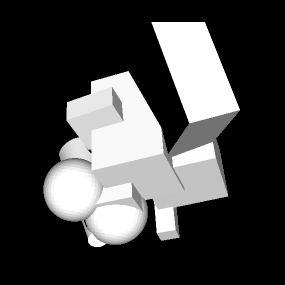
a 180 degrees. This will bring up a gray and white forms up
(depends on the light). When you have that, clikk OK.
4.
Now
you can change it as much as you want, I used color balance
and added some text with the Type Tool.