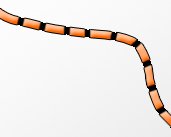
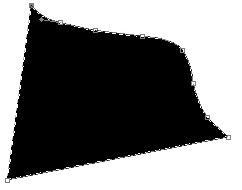
1. Start off by selecting your pen tool and create a shape, whatever shape you want! Make it random, yet good- looking.
You have to use the add anchor point tool and then use the direct selection tool to bend etc.
2.
Now, to make
the pen tool layer a normal layer, create a new layer below
the pen tool layer, then merge the two layers.
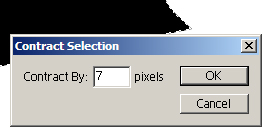
Hold ctrl and click on your layer to select it. Then go select
- modify - contract and choose 7 pixels.
3.
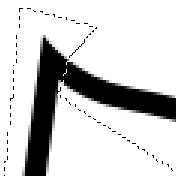
Now you got
a black stroke looking thing. Remove the corners on each side
to make it a wire looking thing with no ends.
4.
After
step 3, your wire should look somewhat like this:
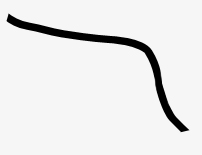
5. Now
add these layer styles:
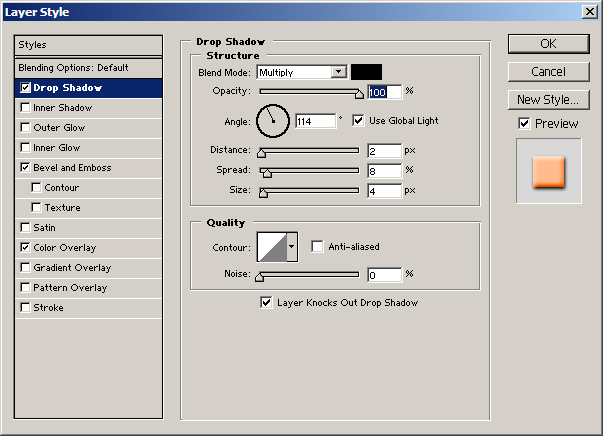
(Click to enlarge)
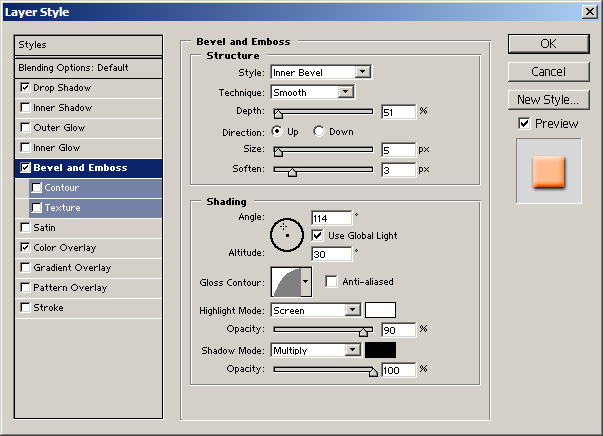
(Click to enlarge)
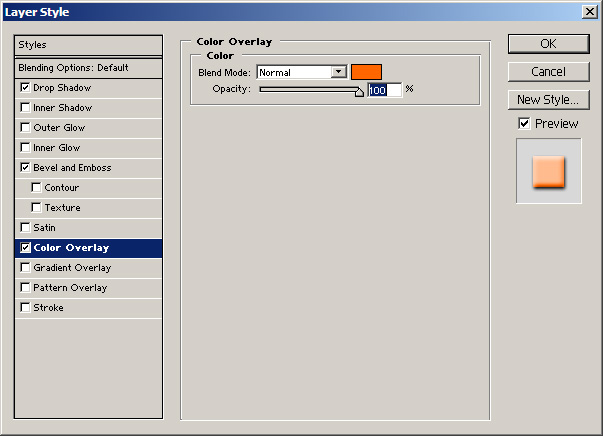
(Click to enlarge)
6.
Now
your wire should look somewhat like this:
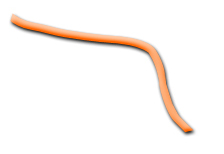
7.
I
played around for a bit and came up with a nice, funny looking
effect! :-)