1. Make a new RGB image. Use the dimensions of 88 x 31 (pixels) whenever making a link button. Most of the sites wont accept your logo if the size is not 88 x 31. For good results, remove the background layer (which will cause the button to have a transparent background).
Use the the rectangle tool to make a rectangle on a new layer. Make sure you pick the color of your choice.
Use the the rectangle tool to make a rectangle on a new layer. Make sure you pick the color of your choice.

2. Then head on to Bevel and Emboss, and use these settings :
Depth : 211
Size : 2
Soften : 0
Depth : 211
Size : 2
Soften : 0

3. And finally Stroke, use these settings:
Size : 1
Position : Outside
Size : 1
Position : Outside
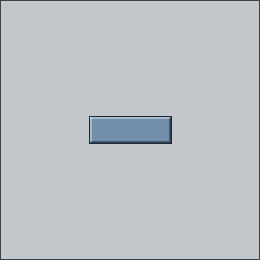
4. Add text to it so that other people know that it's your button. :)