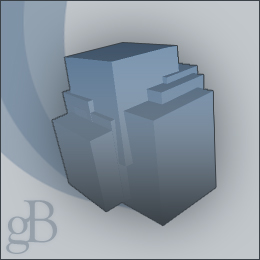
Editors note:
This tutorial will not work in Adobe Photoshop CS
1. Make a new RGB image. I used the dimensions of 260 x 260 in the example.
Click on Filter > Render > 3D Transform.
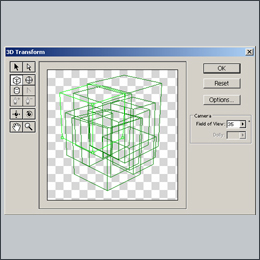
2. To start making cubes, click on the Cube Tool. Make a cube depending on the size of your image.
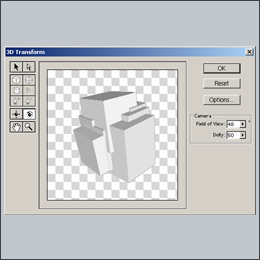
3. Once done, click ok. And you will have something like the image on the left.
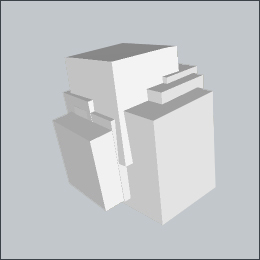
4. Now for the coloring part, Click on Image > Adjust > Hue and Saturation. Make sure the colorize box is checked. Choose the color you want.
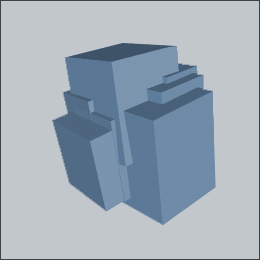
5. Customize it if you wish, and enjoy.