1. Start creating a new RGB image. I used the dimensions of 288x288 in the example.
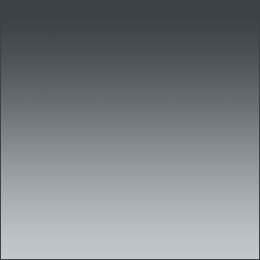
Create a new layer and fill it with gradient.
You can use any color for it.
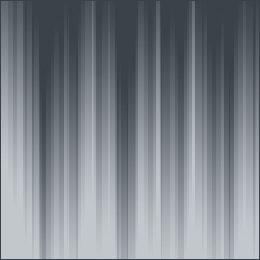
2. Click on Filter > Distort > Wave.
The settings for the wave effect should be:
Type: Square
Number of Generations: 5
Wavelength: Min. 25 Max. 120
Amplitude: Min. 20 Max. 20
Scale: Horiz. 78 Vert. 62
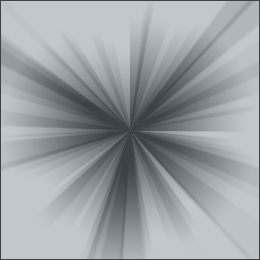
3. Now, Click on Filter > Distort > Polar Coordinates and choose Rectangular to Polar
You are now done with wave effect. You can play around with the colors by click on Image > Adjust > Hue/Satruration. Be sure to check on colorize, before selecting your color.
4.Make further customizations if you think you can improve upon what u have. ;)