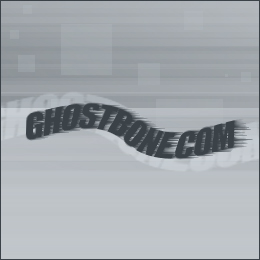
1. Start creating a new RGB image. I used the dimensions of 288x288 in the example.
Choose the TEXT tool to enter your text.
It could be of any color, background and foreground.
Right click on the layer and Rasterize.
Hold CTRL & hit I (to invert).

2. Click on Filter > Stylize > Wind.
And set settings as the following:
Method: Wind
Direction: From the Left
Hit OK.
Hit Ctrl + I to invert the colours.

3. We`ll have to use the distort function for a realistic effect.
Filter > Distort > Twirl
Set settings as you wish
Hit OK.

4. If you wish you can add effects to the final product.