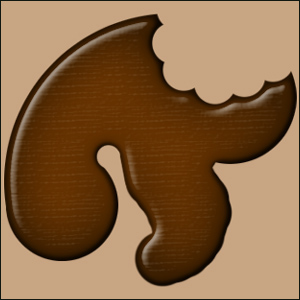
With easter just around the corner, learn how to make this chocolateee effect :)
1. Make a new image, ours is 300 x 300- with a transparent background
2. Grab the paint brush tool, and set the size to about 50, and do a few squiggles in what ever colour you like (dosent matter at this point)
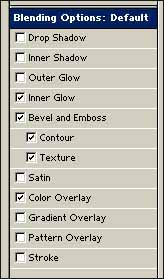
3. Click layer> layer style > blending options - and check the following boxes
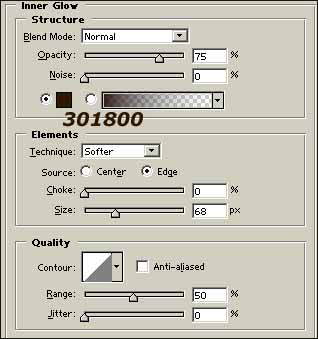
5. Click inner glow, and give it the following settings
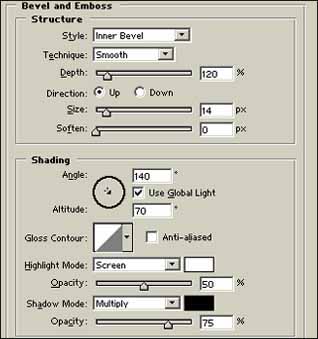
6. Bevel and emboss has these settings...
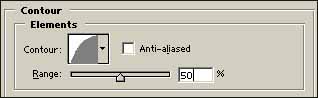
7. Next - contour
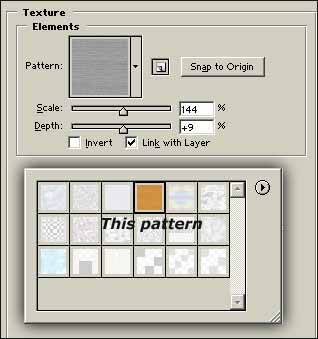
8. Texture has the following....
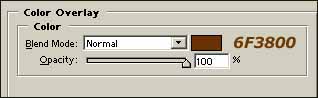
9. and finally colour overlay...
You really cant ask for anything more simple!