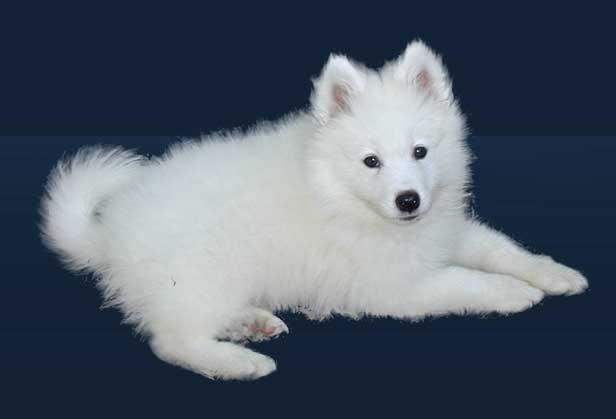
Now, we all know, to cut pictures out, we use the pen, eraser or lasso tools. but.... when cutting fur or any other thing like that. we use another technique.
1. Open your image, in this example we used a white... some kind of... looks like a baby husky :P
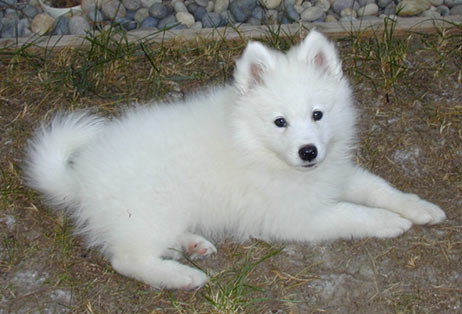
2. click Filter > Extract - and set the paintbrush tool... to something that nicely overlays the outlines of the fur.
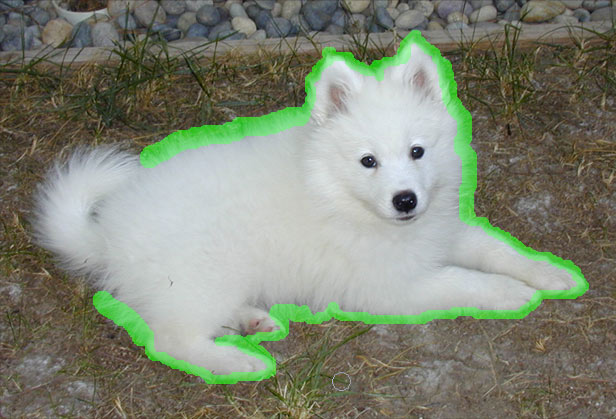
3. keep going around all of your animal, making the brush as small as possible. changing the sizes to do different bits.
4. grab the paint bucket tool (found on the left) and click between your green outlines
5. Click preview (on the right) if you cannot see how it looks because of the checks, click the preview options and fill it black or something.
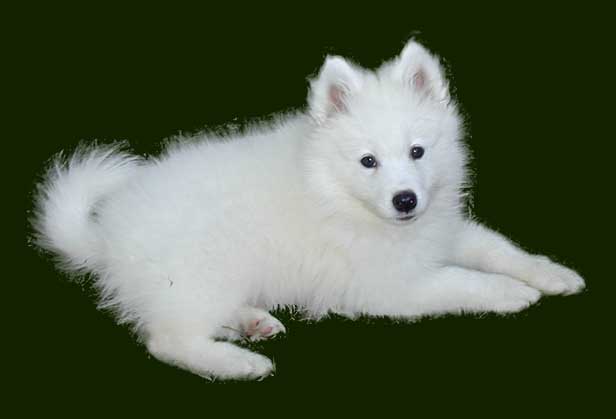
6. with the cleanup tool (5th down on the left) fade out any unwanted bits, or to feather them off.
7. use the Edge touchup tool (6th down on the left) to clean off any edges that need less work, (in this case, the paws)
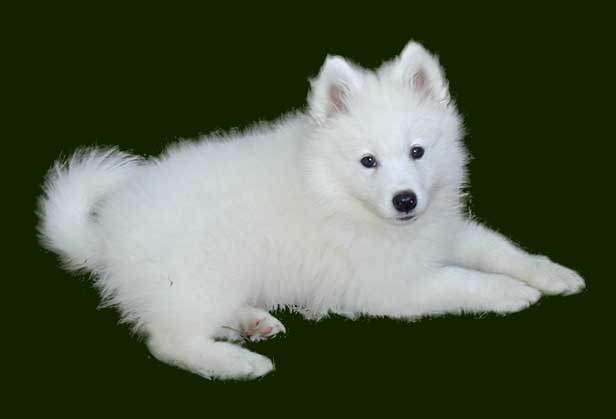
8. Hit ok
9. with the smudge tool, and the zoom function, touch up any edges which appear sharp or not to your needs :) doing strokes going with the fur