This is just a quick tutorial teaching you how logos work. We will go through how to make interlocking links.
1. Start with your background, you can create your own or use ours

2. Make a new layer, name it "link one" now grab the marquee tool
3. Draw a circle with the circular marquee tool, holding SHIFT after you started the selection to get a perfect circle. Now fill it any colour you like by holding ALT + BACKSPACE

4. hold CTRL and press D to deselect it.
5. Now, drag a slightly smaller circle and position it with your arrow keys. Now hit delete
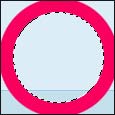
6. Again, CTRL + D to deslect it.
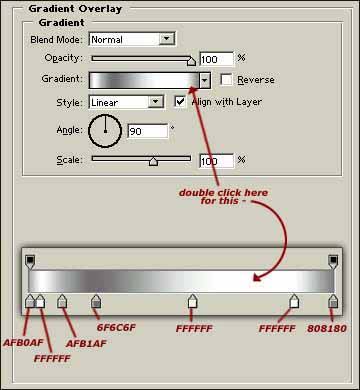
7. Click Layer > Layer style > blending options, and click on the gradient overlay and give it the following settings:
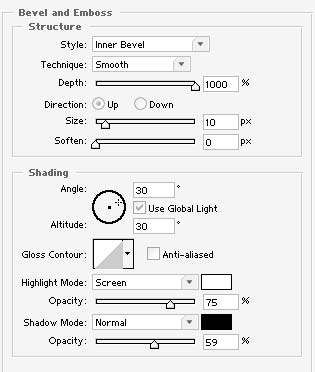
8. Now, click "bevel and emboss" and add the following settings (you probabally will have to alter the size to get it sharp depending on your circle size)
9. Now, duplicate this layer and with the directional buttons on your keyboard, move it right
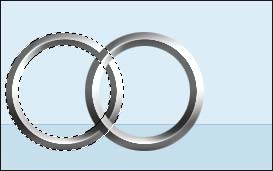
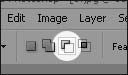
10. Grab the marquee tool and click the "subtract from selection" button at the top of the screen
11. Select the bottom bit of the circle where the 2 join
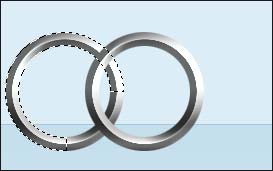
12. Now hit delete then deslect.
13. Duplicate that layer, and with the directional buttons on your keyboard, move it right till it looks right.
14. Repeat step 13.