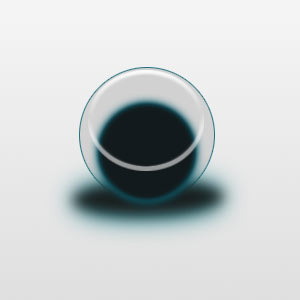
Defiantly the best (and longest) Orb tutorial on the internet today! !HARD!
1. our image is 300 px x 300 px - start off by giving it a very soft gradient on the background

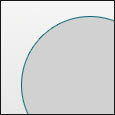
2. Make a circular selection on a new layer, with a diameter of about 136px. Fill it a darkish grey, about D1D1D1. Now, give it a 1PX stroke with the colour 0B6879
3. On a new layer called 2, fill a small oval shape 182021, and gaussian blur it to 5.5
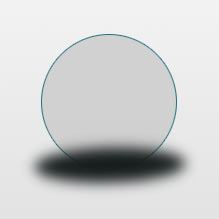
4. Add a outer glow to this - colour: 07737F -opacity: 62% and size 30PX - make sure the blending mode is on normal
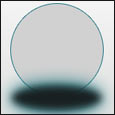
5. on a new layer named 3, make a circle a little smaller than the first layer and towards the bottom. fill this 121A1C and gaussian blur is about 2.0PX
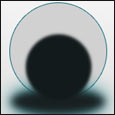
6. Now, add an outer glow to this - colour:0B6273 - mode: normal - opacity:100% - Spread:4 - size:10
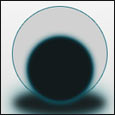
7. on a new layer named 4, make an oval that fits at the top of the first circle as shown below. Fill it any colour.. example blue.
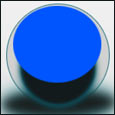
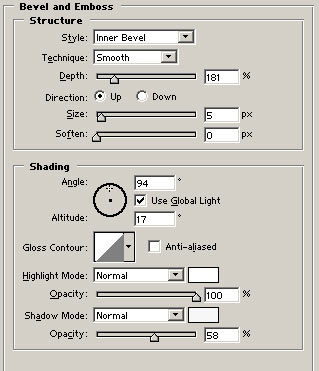
8. click Layer > Layer style > blending options - and put the "fill opacity" to 0% and bevel and emboss settings to the following settings:
9. Now you should have something that looks like this: