1) Make New File, 400 x 400 works fine, press X and D.
2) Go to Filter -> Render -> Clouds
3) Now go to Filter -> Sketch -> Chalk & Charcoal, use these ammounts, 6, 6, 1...
4) Press CTRL U and Color your image.
5) Go to Filter -> Texture -> Mosaic Tiles keep default ammounts.
6) Now go to Filter -> Blur -> Gaussian Blur -> 1.4
7) Go to Filter -> Distort -> Ripple, Amount 64, Large.
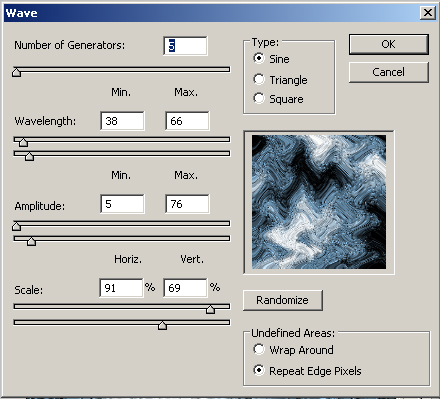
8) Go to wave and use those ammounts:
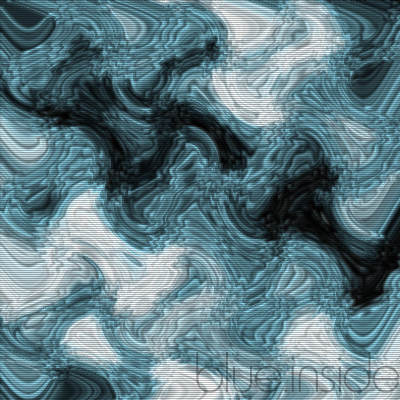
9) AND DONE!!! There is my final effect: