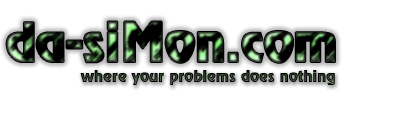
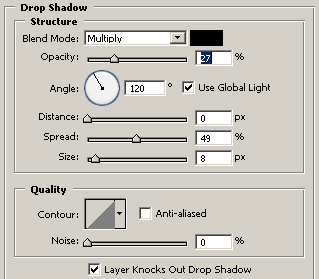
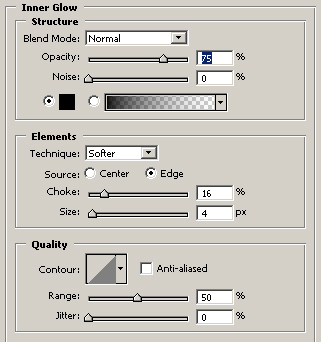
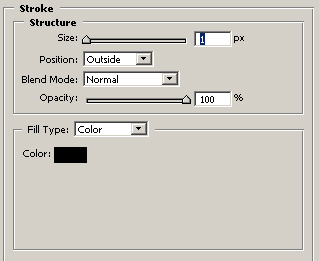
1) Let's start, make new file, and with the Type Tool type your text with a dark green. Now add these layer styles:
2) Go to Filter -> Artistic -> Rough Pastels -> Leave Default options or find somethin better.
3) Press CTRL L and set up this levels: 0 0.22 108...
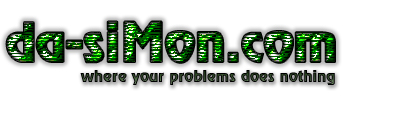
4) Optionally you can go to Filters -> Distort -> Sumi-e and leave default options :).