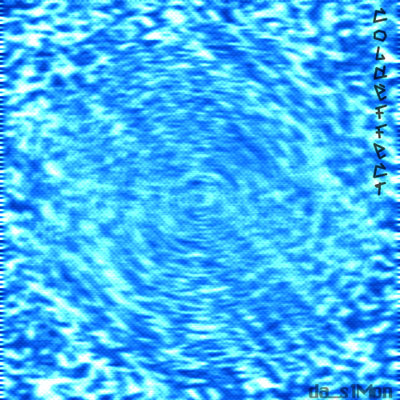
This is a easy cold effect. First off, create a new image, 400x400 or 500x500.
1) Fill the image with a color with The Paint Bucket.
2) Go to Filter -> Artistic -> Sponge, Keep Default Options
3) Then go to Filter -> Distort -> ZigZag, Amount: 78, Ridges: 11, Style: Pond Ripples
It looks good now... You can also use this optionals steps.
4) Go to go to Filter -> Sketch -> Halftone Pattern and use default options.
5) Go to Filter -> Blur -> Motion Blur and use Distance 12
6) Now go to Image -> Adjustments -> Levels and use the levels you want, I should recommend use this levels (it can be diferent... diferent colors = diferent levels): 0 0,18 182
My final effect: