1) Make a new document, anysize doesn't matter. Press CNTRL+D to reset your pallete colors. Make sure your background is BLACK.
2) Apply Filter>Artistic>Plastic Wrap with these settings:
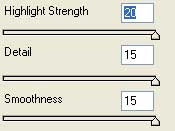
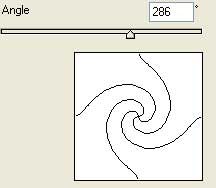
3) Filter>Distort>Twirl with these settings:
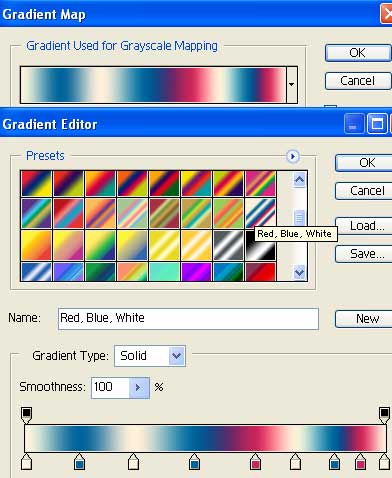
4) Time to add the tydye color and feel, do this by going to Image>Adjustments>Gradient Map and using the Red, Blue, White gradient:
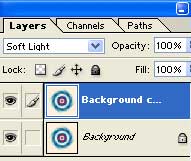
5) Almost all done. Now apply some blending change, so Duplicate the layer. Set the top layer to Soft Light.
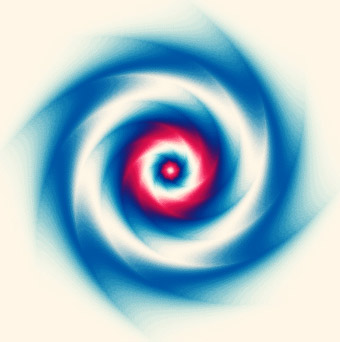
There ya go, heres my final graphic: