1) Make a new document, anysize doesn't matter. Make sure your background is BLACK. Press CNTRL+D to reset your pallete colors.
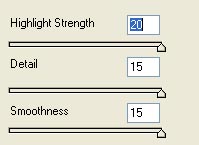
2) Apply Filter>Artistic>Plastic Wrap with these settings:
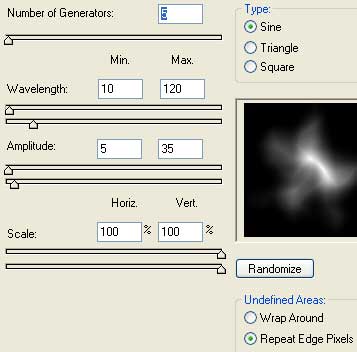
3) Apply Filter>Distort>Wave with these settings:
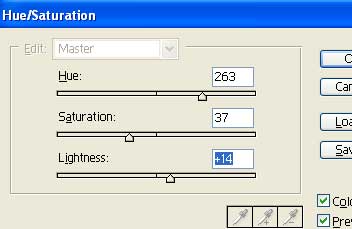
4) Now apply color, press CNTRL+U and use these settings:
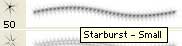
5) Now select the brush tool and go to the drop down menu and use the starburst to apply some glittering stars and other decorations.
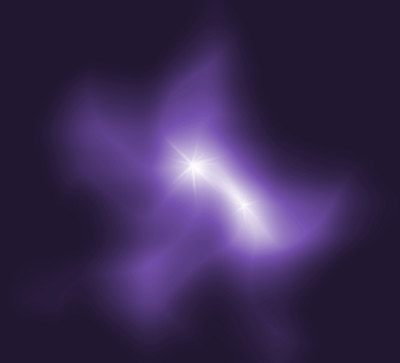
6) Final work should look similar to the one below: