1) Make a 500x500 White document
2) Select the gradient tool with these settings


3) Make lines like these on the bottom with the gradient tool, hold shift to make them straight
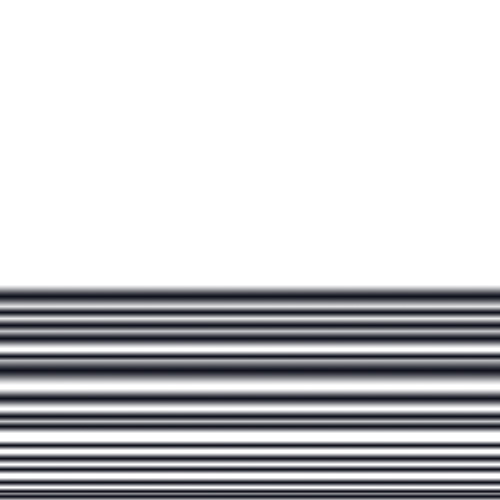
4) Filter -> Blur -> Gaussian Blur - 3.0
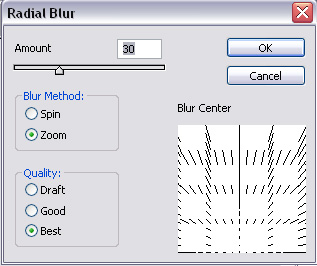
5) Filter -> Blur -> Radial Blur with these settings
6) Filter -> Distort -> Polar Coordinates - Rectangular to Polar
7) Filter -> Distort -> Pinch - Ctrl+F four times
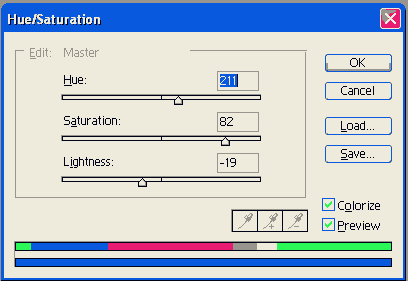
8) Ctrl + U and change the color of it
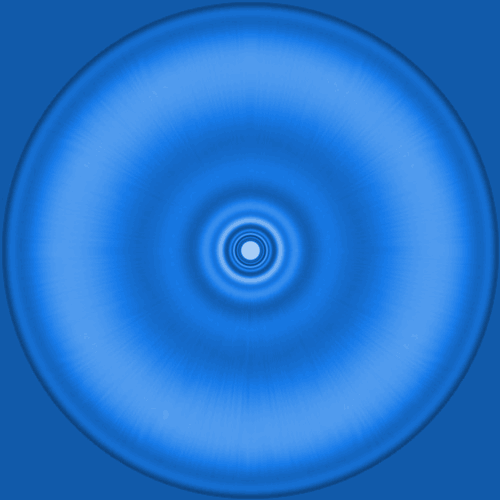
Now your done, here's my graphic: