1. Create a 500x500 pixel RGB file
2. Create a new layer
3. Use single column marquee tool,on the left side , 1/4 of the width of the canvas, left click once, now we have a single pixel column selection.
4. Fill the selection with black color.
5. Apply filter---> distort ---> polar coordinates, select Polar to Rectangular
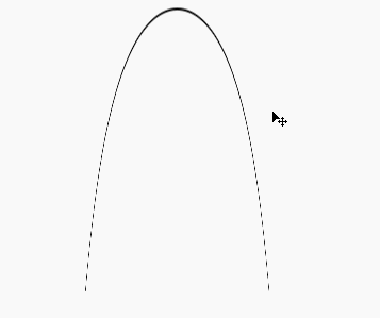
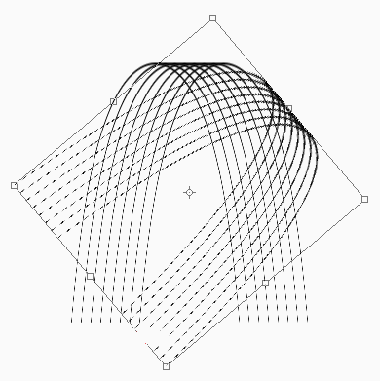
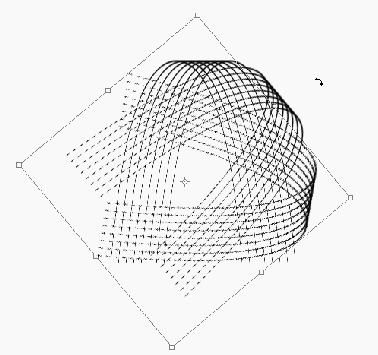
6. Move the curve line we have to the middle, duplicate the lines and arrange them as shown below
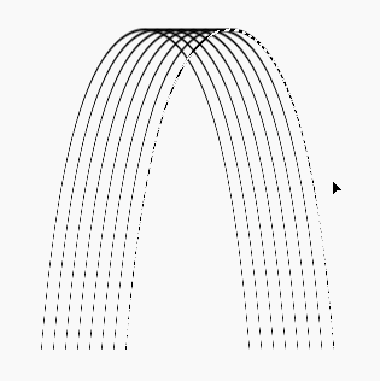
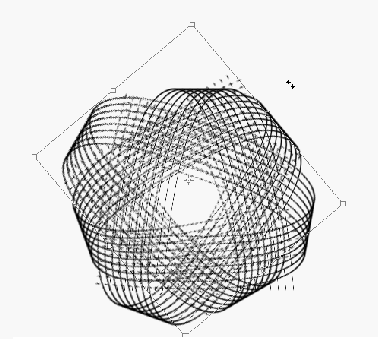
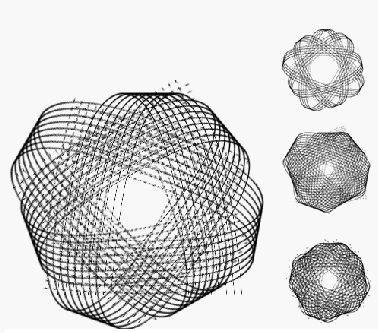
7. Do different transforms and duplicates, then put them together.