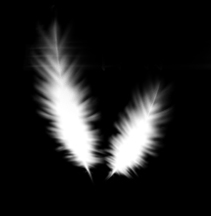
1. create a new file, any size, this example is 400x700, black background
now create a new layer, and create a white stribe on it as shown.
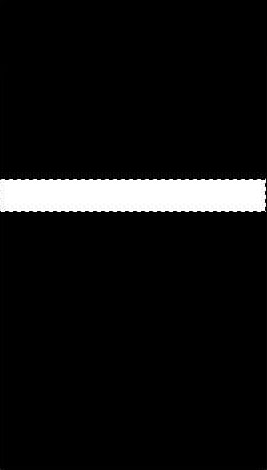
2. rotate canvas, apply filter ---> stylize---> wind, from left to right, repeat twice
then apply filter-->blur---> motion blur, distance 30pixel, angle O degrees
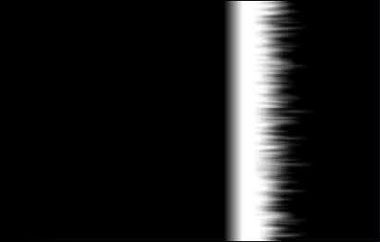
3. rotate canvas to original position, pull the white stribe down to the very bottom of the canvas, apply filter---> distort---> polar coordinates
then move it back to the middle, delete the selected area shown below.
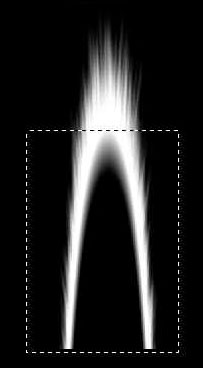
4. duplicate layer1, flip verticle, move to appropriate position. PS: make sure there's the white horizontal line in the middle like this
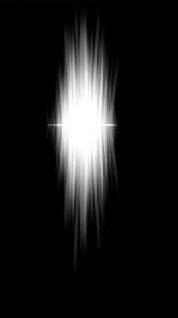
5. ctrl+ t , free transform it, you are almost there, then use distort to make it look more realistic, if it doesnt look too good, you can use smudge tool.
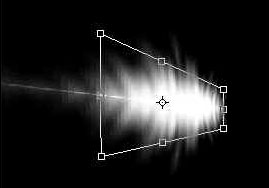
finally, you should have something like this