1) Make a new document, anysize doesn't matter. Now press "D" on your keyboard to reset the foreground and background colors to black and white. Make sure your background is WHITE.
2) Select the Gradient Tool and make a diagonal gradient like mine below:

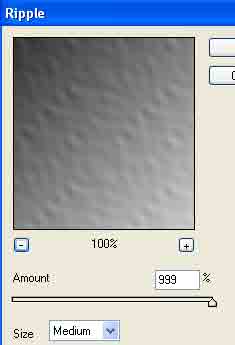
Apply Filter>Distort>Ripple with these settings:
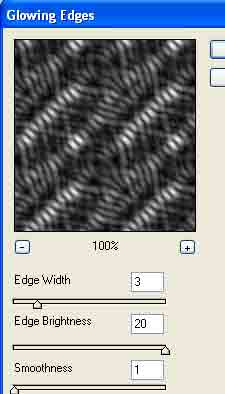
2) Apply Filter>Stylize>Glowing Edges with these settings:
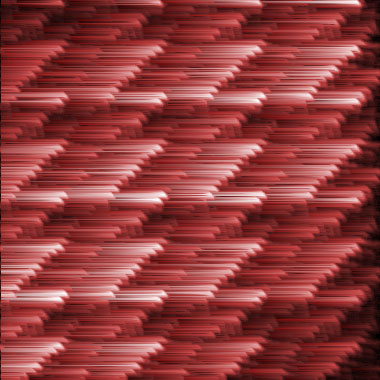
3) Apply your color now if you want. I used red. CNTRL+U
4) Now apply Filter>Stylize>Wind choose
any direction you want the wind to come from. Apply the filter. Now
press CNTRL+F to apply the same filter a few more times.
5) Apply Filter>Distort>Polar Coordinates with these settings:
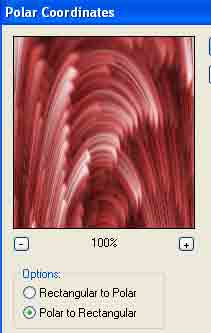
Done: