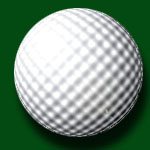
1. create a new file, then create a new layer, do a gradient like this
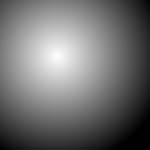
2. apply filter--> distort--> Glass, Distoration:15, smoothness:3, texture: ting lens, scaling: 60%
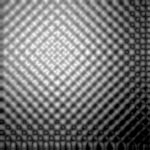
3. select a circle area
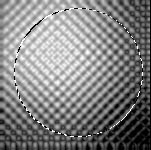
4. CTRL+SHIFT+I, Delete, CTRL+SHIFT+I
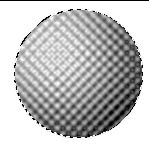
5. Filter-Distort-Spherize,Amourt: 90%,
CTRL+D
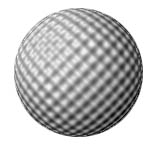
6. Image-Adjust-Brightness/contrast, brightness: 70, contrast: 20
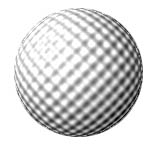
7. drop shadow
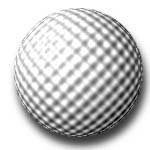
8. filter--> render--> lens flare
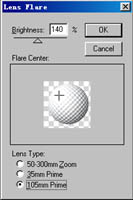
9. add a nice background