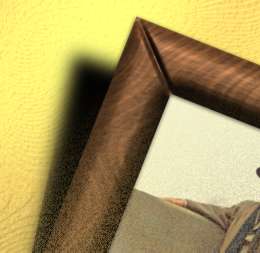
1. create a 500x500 new file, set fg color to (RGB = 75,30,14), bg color (RGB = 132, 86, 50)
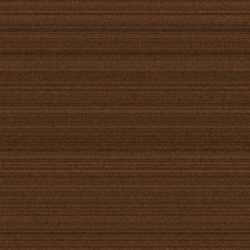
2. apply filter-->texture---> grain, intensity=14, contrast=23, grain type = horizontal
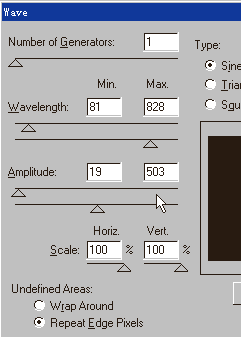
3. apply filter --> distort--> wave (look at the following screen shot )
4. filter ---> distort --> twirl, angle = 94
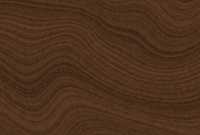
5. use rectangle marquee tool to select an ideal part for use
6. apply it to wherever you like