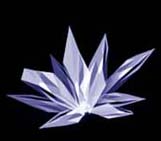
1. create a new file, fill background with black, create a shape like this, fill with white
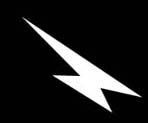
2. apply filter--> blur--> motion blur
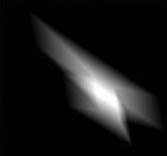
3. apply filter--> stylize--> find edge
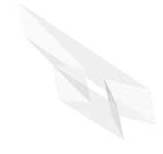
4. use pentool to do a selection of the crystal-like shape, cut it and paste it on a new layer, put it on top
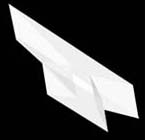
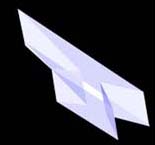
5. apply --> adjust---> variations, adjust colors till you have something like this
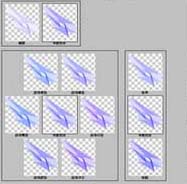
6. duplicate layer1 and do free transform
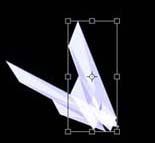
7. repeat step 6 till you have something like this