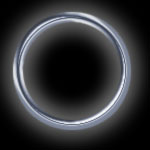
1. I assume you are a intermediate photoshop user, so I'll just skip the first few steps, please just see the screen shots.
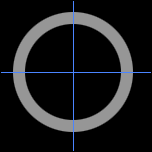
2. load the selection of the ring, create a new channel in channels panel, ALpha1, fill with white, apply filter--> gaussian blur, 3 times, amounts are 4, 3, 2 respectively.
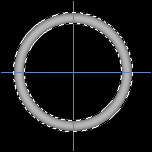
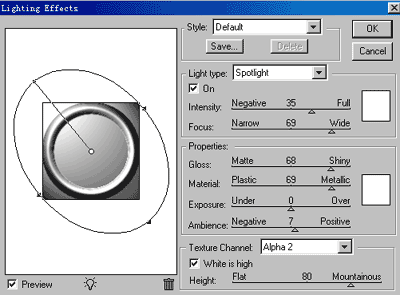
3. go back out to layers panel, click on the layer where the rings is on, apply filter--> render--> light effect, set it up like it's shown below
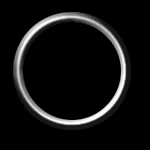
4. select--> modify--> contract, 1 pix
select--> inverse, tab delete , from this step we deleted the edges that were not smooth
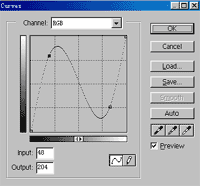
5. image ---> adjust --> curve, adjust it like this
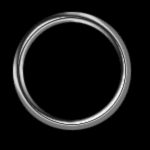
and you should have something like this
6. image---> adjust --> hue/saturation, check colorize, give the ring some color