1. create 8x8 file, draw a 5x5 black square right in the middle of the image, background should be transparent.
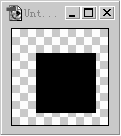
ctrl+A select the whole thing, edit---> define pattern.
2. create a new file, any size, white background, draw any shape (or text) fill with black color.
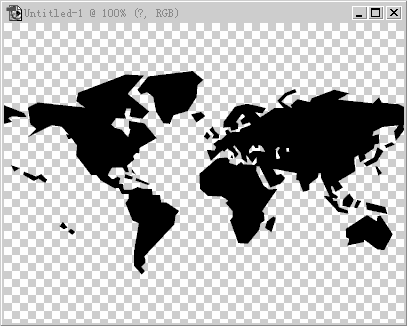
then apply filter --> pixelate---> mosaic. cell size: 8
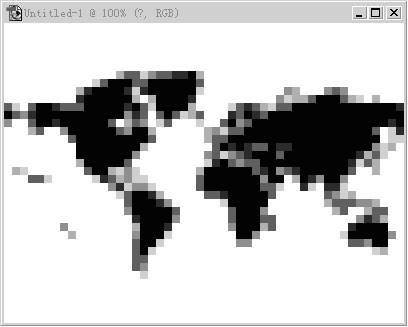
3. go to image---> adustments---> threshold, enter a appropriate value to make the edges clear
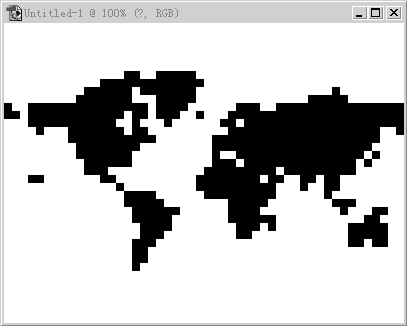
4. load selection of the black shape, and delete the layer after
5. create a new layer, go to edit---> fill, use: pattern, select the square pattern we created at the beginning, done,
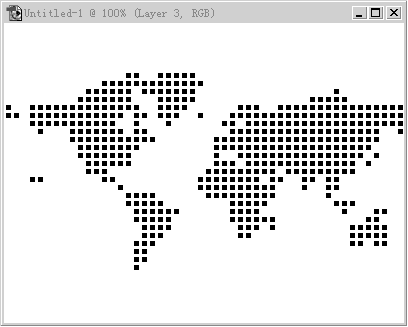
6. now just to put it in where you want it to be and it'll look good :)