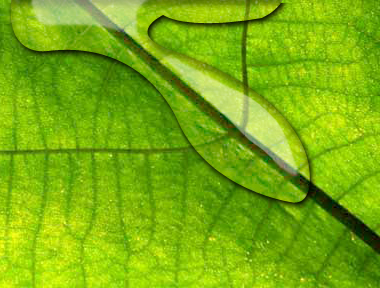
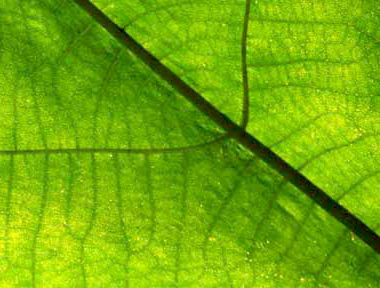
1. open an image of a leaf
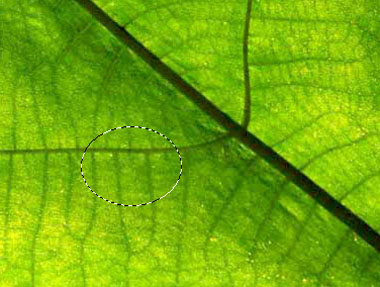
2. create a ellipical selection
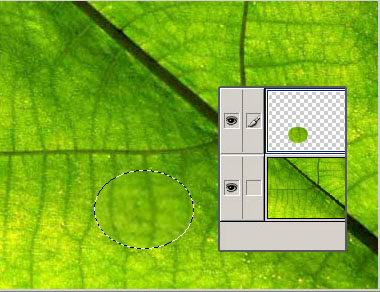
3. CTRL+J to copy selection via layer
apply filter--> distort --> spherize, repeat once again
4. add layer style, inner shadow, make it not too obvious
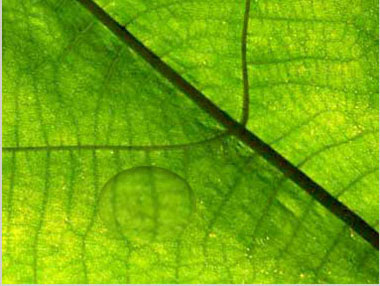
5. create a shadow of the shape, move it slightly to the bottom
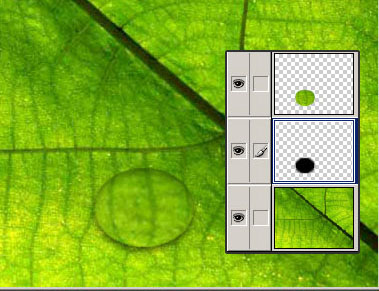
6. create a smaller ellipical selection inside the going-to-be water drop, use gradient tool, from white to transparent.
then draw a much smaller ellipse below it, feather, and fill with white.
here we go
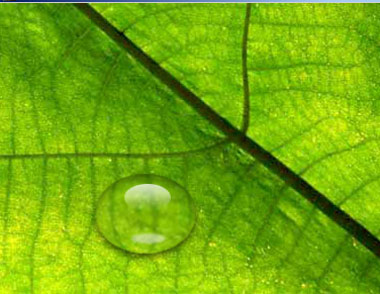
if you don't bother to work hard, take your time and do something like this with the same idea.