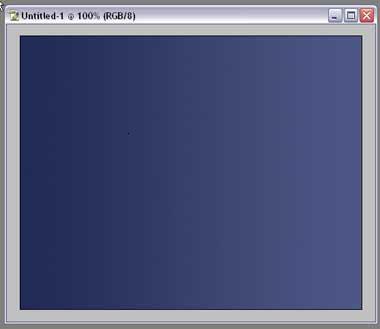
1) Create a 500px X 400px file, fill background with gradient color (f: #212B56 , b: #4D5785)
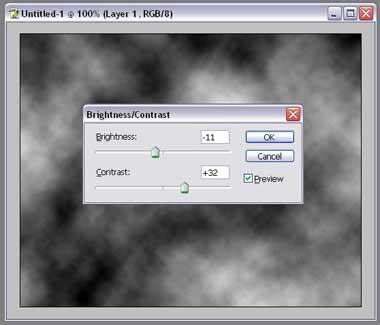
2) create a new layer, Filter---> Render ----> Clouds; then, Image---> Adjustments ---> Brightness/Contrast. (Brightness -11, Contrast +32)
3) Filter---> Blur---> Radial Blur (amount: 40, method: zoom, quality: good) ;
Filter----> Sketch ---> Chrome (Detail: 10, Smooth: 1);
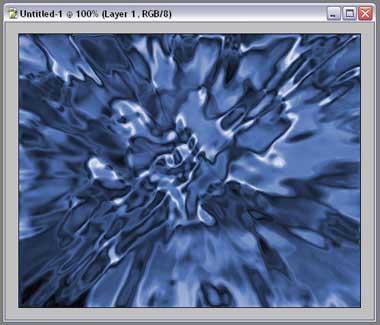
Image----> Adjustments----> Hue/Saturation (Check colorize, Hue:218, Saturation:40, Lightness:0)
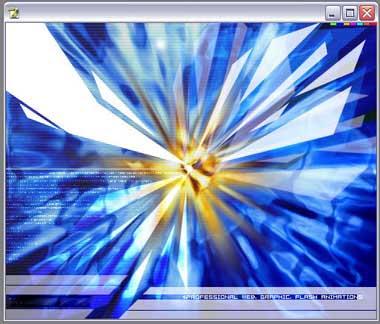
You should now have something like this
4) Duplicate this layer, Filter--> Blur ---> Radial Blur (Amount 100), set the blending option of the layer to Linear Light.
then create a new empty layer, paint some white stuff with white brush and use radial blur on it , once or twice.
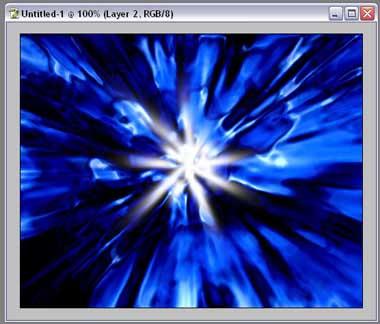
5) Set the brending option of the layer which the white explosive stuff is on to EXCLUSION
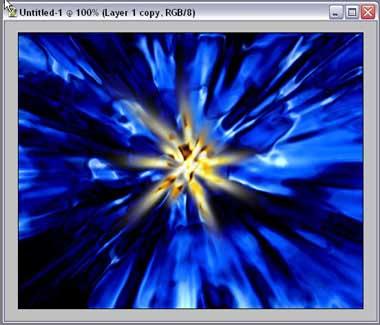
Do Some decroations and there you go! have fun