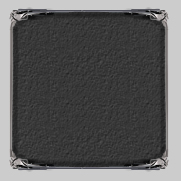
1) Open a current PSD you want to add this stone texture to. Make a selection with the Rectangle Marquee Tool and fill it in with a dark grey, I used #5C5C5C.
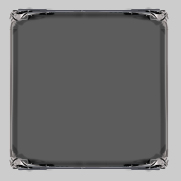
2) Now right click the layer and go to blending options. Select Pattern and use the Stone 80x80 texture:
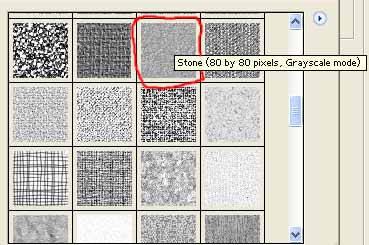
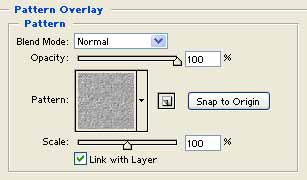
And use these settings:
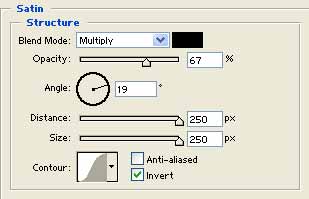
3) Apply Satin aswell and use these following settings:
Pretty simple effect. Looks great on interfaces, for example: